How to Sell Subscription & Membership Keys on Shopify
Recurring revenue is one of the most powerful ways to build a sustainable online business. Whether you're selling SaaS tools, VPN access, premium communities, or membership platforms, subscription-based products allow you to generate consistent income month after month.
But there’s one major challenge:
How do you securely deliver unique access to every customer — automatically?
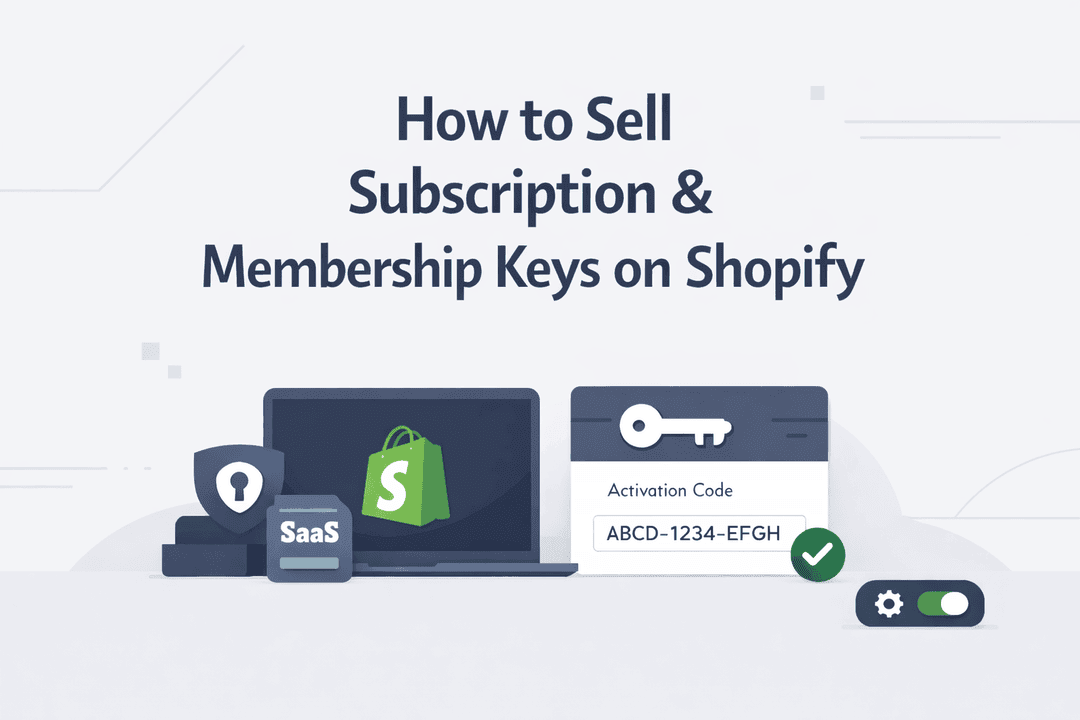
In this guide, you’ll learn exactly how to sell subscription and membership keys on Shopify and automate the entire delivery process using Digitally.
The Rise of Subscription-Based Digital Products
More creators and developers are moving toward recurring-access products instead of one-time sales.
Popular examples include:
- SaaS licenses and activation keys
- VPN subscriptions with login credentials
- Private membership communities
- Premium content platforms
- Online tools with restricted access
These products all share one requirement:
👉 Every customer needs unique access credentials.
The Problem Most Merchants Face
When starting out, many sellers handle delivery manually:
- Sending login details via email
- Reusing the same credentials
- Tracking access in spreadsheets
This might work for a few customers — but it quickly breaks down.
Here’s what happens:
- You waste hours managing orders
- Customers experience delays
- Shared accounts reduce your revenue
- Scaling becomes nearly impossible
If you're serious about growing, manual delivery isn’t an option.
The Smarter Way: Automate Everything
To sell subscription keys effectively, you need a system that:
- Instantly delivers access after purchase
- Assigns a unique key to each customer
- Runs completely hands-free
That’s where Digitally comes in.
It transforms Shopify into a fully automated platform for selling subscription and membership access.
How to Sell Subscription & Membership Keys (Step-by-Step)
Step 1: Create Your Product on Shopify
Start by creating a product like:
- “Premium VPN – 30 Days Access”
- “Pro SaaS License – Monthly Plan”
- “Exclusive Community Membership”
You can sell these as renewable products or combine them with subscription apps if needed.
Step 2: Upload Your Keys in Digitally
Inside Digitally, you simply:
- Upload your list of access keys
- Add usernames/passwords or activation codes
- Store them securely
Each key represents one customer’s access.
Step 3: Enable Automatic Delivery
Once set up, Digitally handles everything:
- Detects new orders instantly
- Assigns a unique key per purchase
- Sends it directly to the customer
Delivery happens via:
- Order confirmation page
No manual work. No delays.
Step 4: Deliver Instant Access to Customers
As soon as a customer completes checkout:
- They receive their access credentials immediately
- They can activate and start using your service right away
This creates a smooth, professional buying experience that builds trust.
Real-World Use Cases
This model works across multiple high-demand niches:
SaaS & Software
Sell:
- Monthly or yearly license keys
- API access credentials
- Tool subscriptions
VPN Businesses
Deliver:
- Unique login accounts
- Time-based access subscriptions
Membership Platforms
Provide:
- Website login credentials
- Premium content access
- Learning portals
Private Communities
Sell access to:
- Discord groups
- Telegram channels
- Exclusive forums
Why Use Digitally?
Fully Automated Workflow
Once set up, your store runs on autopilot.
Unique Access for Every Customer
Each buyer receives a different key — no sharing, no abuse.
Scalable System
Whether you sell 10 or 10,000 subscriptions, nothing changes.
Secure Delivery
Protect your products and prevent unauthorized access.
Better Customer Experience
Instant delivery means happier customers and fewer support tickets.
Best Practices for Selling Subscription Keys
To maximize conversions and reduce confusion:
Use Clear Product Titles
Examples:
- “1-Month Premium VPN Access Key”
- “Pro SaaS License – Monthly Subscription”
Set Clear Expectations
Always mention:
- Duration (e.g., 30 days, 1 year)
- Activation steps
- Renewal process
Encourage Renewals
Boost repeat sales by:
- Sending reminder emails
- Offering discounts for renewals
Manage Your Key Inventory
Regularly update and monitor your key pool to avoid shortages.
Final Thoughts
Selling subscription and membership keys on Shopify doesn’t have to be complex.
With the right system, you can:
- Automate delivery
- Secure your digital products
- Scale your recurring revenue
Digitally makes it easy to sell access-based products without the operational headaches — so you can focus on growing your business.
Frequently Asked Questions
You can sell subscription keys on Shopify by creating a digital product and delivering a unique activation code to each customer after purchase. Using automation tools, you can instantly send these keys via email or the order confirmation page, eliminating manual work.
Yes, you can fully automate membership access delivery. Apps like Digitally allow you to assign and send unique access keys to customers automatically after checkout, ensuring instant and secure delivery.
You can sell a wide range of subscription-based products, including SaaS licenses, VPN accounts, online course access, private community memberships, and premium content subscriptions.
Digitally simplifies the entire process by automatically assigning a unique key to each order and delivering it instantly to customers. This removes the need for manual handling and ensures a smooth, scalable workflow for selling subscription-based products.
To prevent sharing, you should provide a unique key or login for each customer instead of using the same credentials. This ensures that access is limited to individual users and helps protect your revenue.
Not always. You can sell access as one-time purchases with a fixed duration (e.g., 30 days) or combine your setup with subscription apps for automatic renewals, depending on your business model.
sell subscription keys shopify
SaaS subscriptions
digital product delivery
license key delivery
digitally
recurring digital products
sell VPN subscriptions

Digitally ‑ Digital Products
Sell files, e-books, license keys, promo codes & digital links
 Install Now